


We’ve all been told that setting, tracking, and maintaining a monthly budget is critical to financial literacy and independence, but getting started can certainly be a daunting prospect. A good old Excel spreadsheet is great for a lot of things, but when it comes to budgeting, sometimes, you just need something a bit more tailor-made for the purpose to get you where you need to be. Luckily, we live in a world where the range of budgeting and finance apps leaves us spoiled for choice, but which one is the best for you? To save you the time and effort that goes into sorting through a sea of options, I gave five different budgeting apps a try. Here’s how they ranked:
5. YNAB (You Need A Budget)

YNAB, or You Need A Budget, has been around since 2004 and offers a streamlined, clean way to organize your spending. Users set their spending and saving goals and create budget categories to fit their lifestyle. While YNAB imports information from linked bank accounts, the app is still quite hands-on to ensure it is fully personalized to your needs and goals.
Personally, I found YNAB to be very similar to just using an Excel spreadsheet. It took more time than the other apps for me to set up, and I found the aesthetic to be a bit boring. However, my biggest drawback for YNAB was the cost. While the app offers users a one-month free trial, after that, it costs $14.99/month to keep using, which is expensive compared to other budgeting apps, especially when the features and usability don’t seem to stack up to the other options.
4. Personal Capital
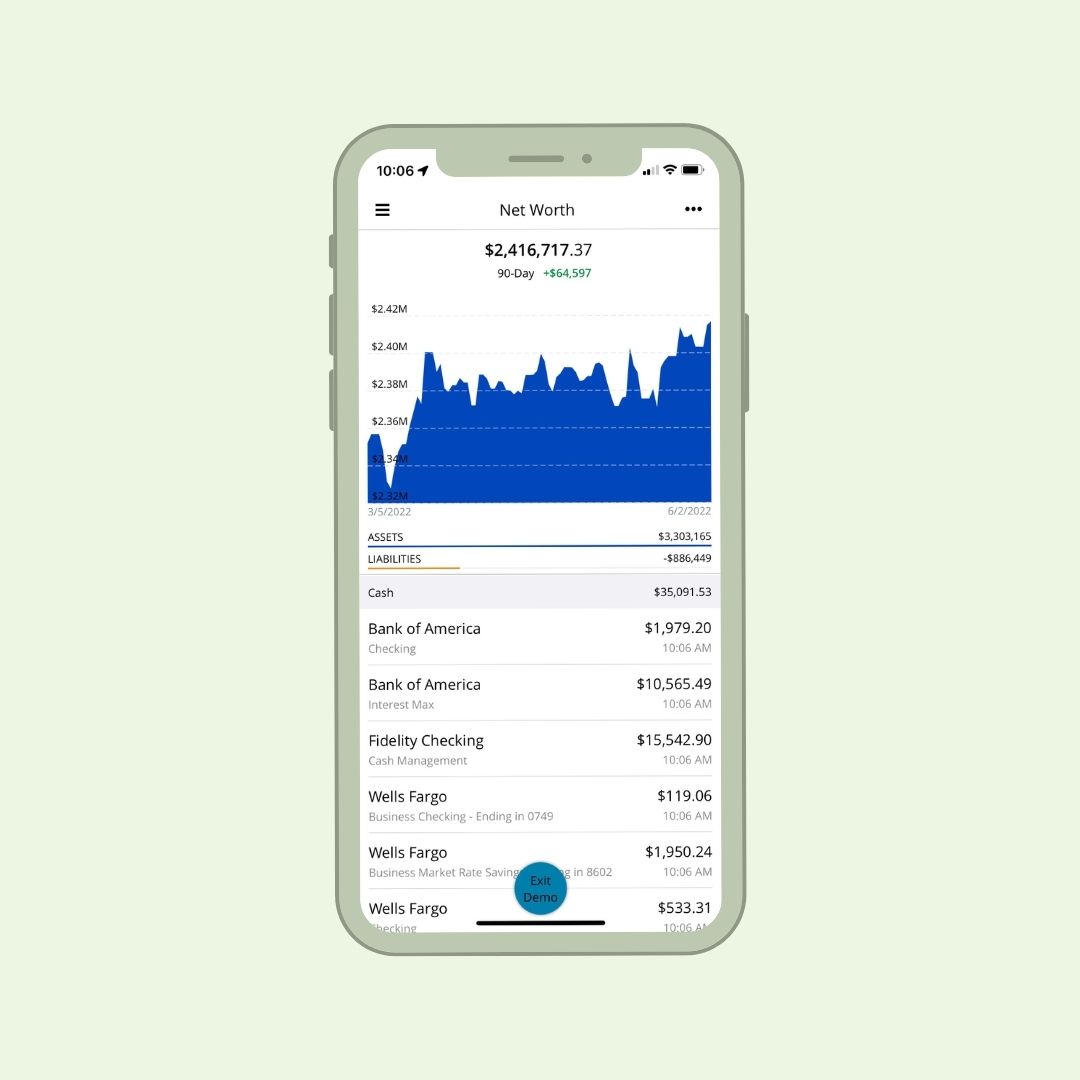
For those particularly focused on tracking investments and saving for retirement, Personal Capital is a great choice. Easy to set up, the platform provides a range of tools to monitor and manage your investment portfolio while also working as a budgeting app to help you pay down debt.
Personal Capital is perhaps best suited to the more advanced budgeters among us, as a lot of its analytical tools don’t have a lot of use unless your investment portfolio is already relatively established. Of all the budgeting apps I tried, this one was definitely the best for helping you build and track your retirement savings, which is an area often overlooked in the financial planning of young people.
Personal Capital is free to download and takes a more detailed look at your overall financial picture than a lot of the other budgeting apps. It may be a bit too in-depth or overwhelming for those just looking to manage their everyday spending and saving, but if you are interested in building your investment portfolio, this app may be the one for you.
3. Honeydue
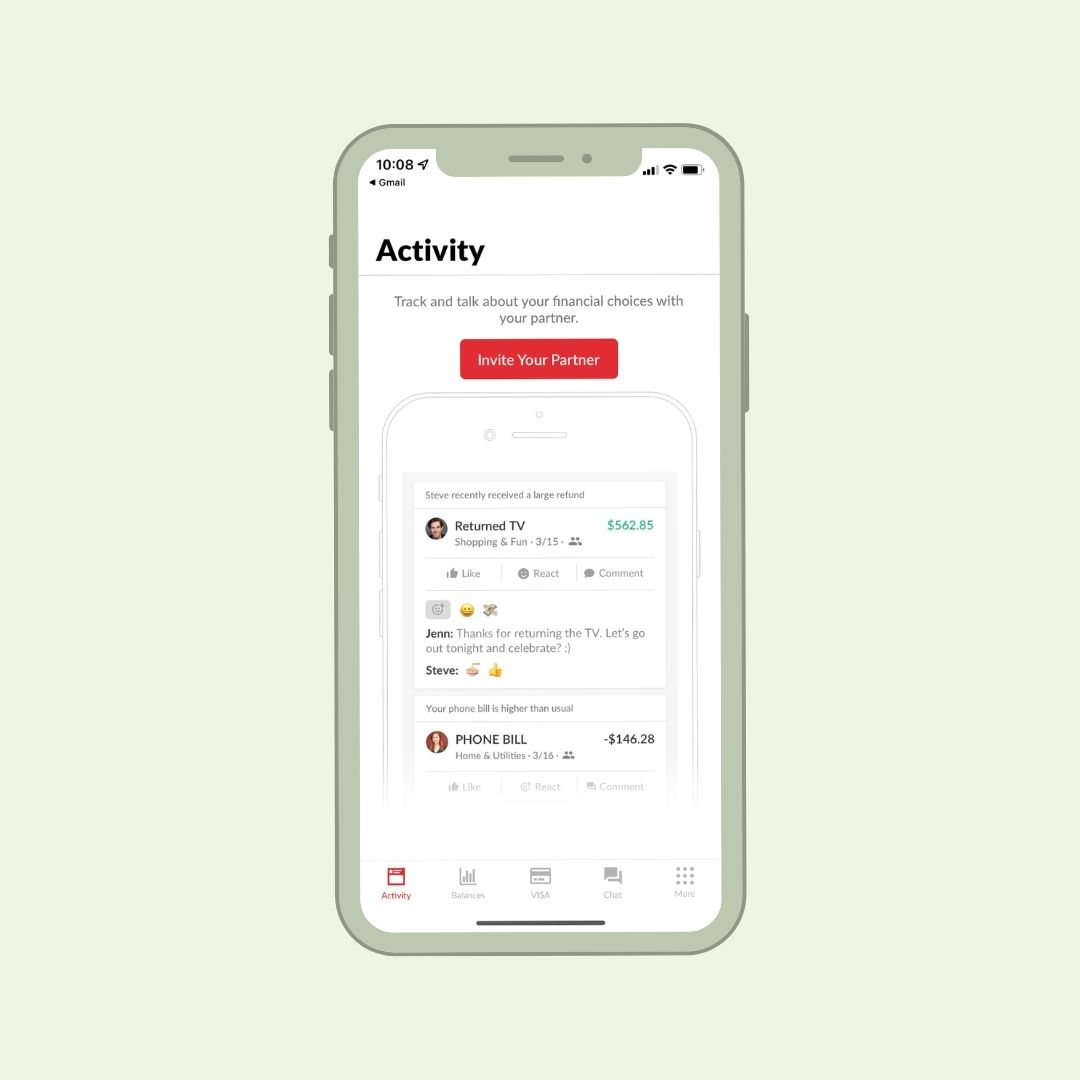
If you’re searching for a budgeting app made for couples, look no further than Honeydue. This interactive platform allows you and your partner to both access your finances, budgets, and goals and even offers a chat function so you can keep all the money talk in the app!
My favorite feature of Honeydue is that it allows you to categorize budgets as either your own personal goals or couple goals for both partners to manage together. This allows you to have transparency with your partner where a team effort is needed while also providing you with your own independence and privacy.
Another great feature of Honeydue is the shared calendar, where alerts and bills can be set to notify both partners of upcoming payments. I found this to be really helpful in making sure we both had visibility over billing dates and were able to plan our finances accordingly.
Financial security in a relationship is a team effort, and Honeydue provides the tools to manage your money collaboratively. It is free to download from the app store (though there are some ad pop-ups), and it is a fantastic option for couples looking to improve their spending habits as a team.
2. Mint
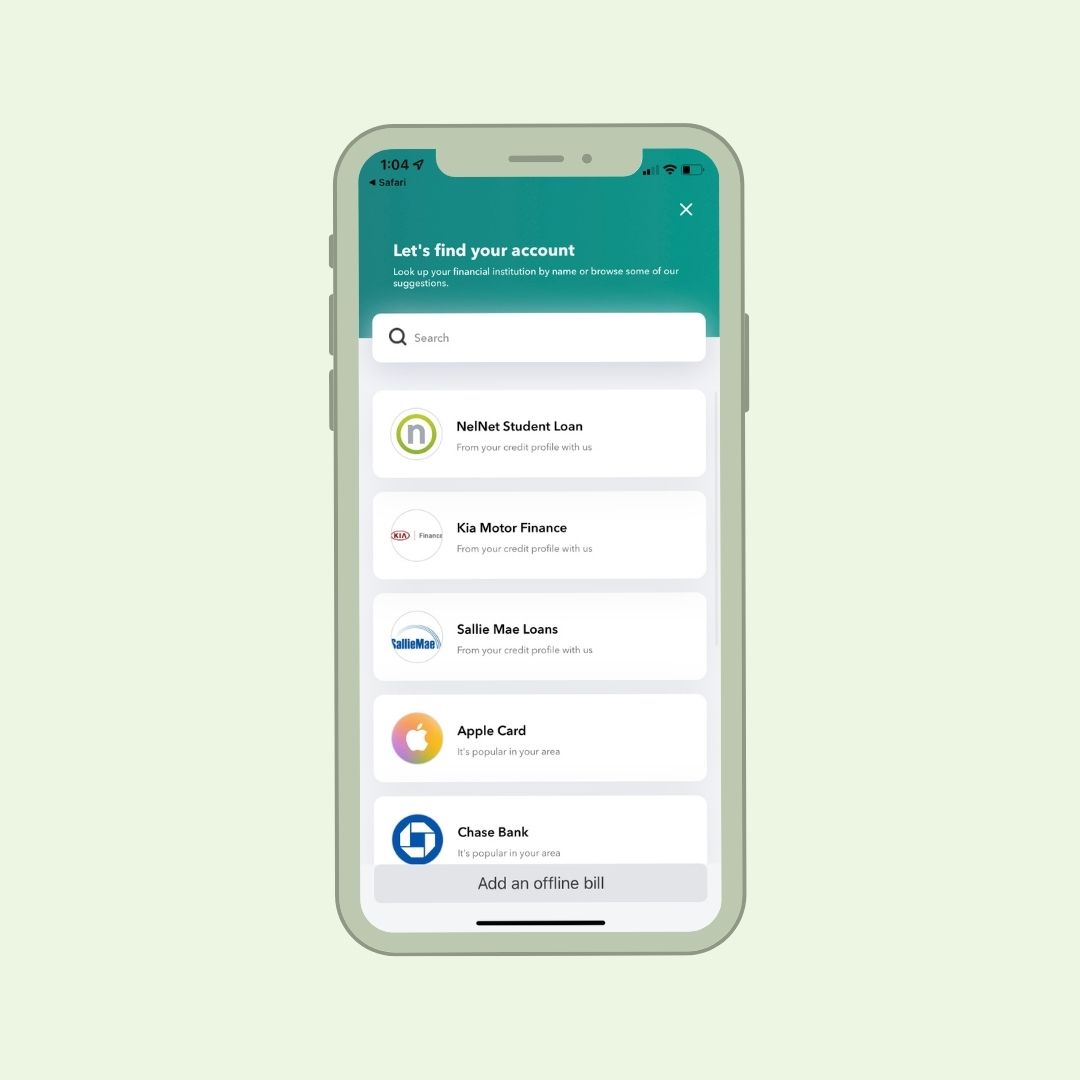
I’d seen the ads for Mint on social media, so I was excited to see if it lived up to the hype. The answer? For me, Mint was definitely a standout option. Easy to use and set up for everyday budgeting, there’s no wonder Mint seems to be the app of choice for Gen Z and millennials.
The best feature for me was Mint’s customizable goals and budgets, which allow you to visually manage your spending. Much like PocketGuard, users are able to set up different goals (buy a house, go traveling, etc.), and Mint tracks your progress on little bar graphs. My only complaint about the feature is that you have to include an end date for your goal, which is a bit annoying for those of us who freelance and don’t have specified monthly payment amounts or just have longer-term goals that fit in around other things. It would be nice to fully utilize the goals system without needing to include a deadline, but regardless, the feature is a really great way for the visual users among us to keep track of savings.
Other great features that Mint offers include alerts for upcoming overdraft fees, late fees and bill payments, and the option to set up personalized spending targets for different categories.
Mint is free to download in the app store, and you can upgrade to a premium version for $4.99/month if you’re looking for more advanced updates and management, though it isn’t required to get a full experience. Overall, I found the app to be user-friendly and easy to set up, with lots of personalized features to suit each user’s situation.
1. PocketGuard

Perhaps lesser known than some other budgeting apps (I personally didn’t know much about it), PocketGuard was an extremely pleasant surprise and, for me, the best app I tried out. PocketGuard is extremely easy to set up and customize, with some great features to help you feel in control of your finances. By linking your bank accounts and credit cards, PocketGuard helps you plan your savings and even has a feature to help you negotiate better rates on your bills!
The standout feature of PocketGuard is the “In My Pocket” calculation, which tells you how much money you have left over after paying all your bills and contributing to goals. This automatically tells you how much you have to spend or save for the month, which I personally found to be really helpful. PocketGuard also allows you to set up customizable goals and budgets and tracks your savings on your visual graphs. You aren’t required to set a hard deadline to meet your goals, which meant that I could visually see how I was tracking on my savings without a set monthly contribution that I knew I probably wouldn’t always meet.
While PocketGuard is free to download, some features aren’t available unless users upgrade to the premium subscription, PocketGuard Plus, which costs $7.99/month or $79.99 for a one-off payment (a great option). With the upgrade, PocketGuard offers subscription monitoring (which is amazing for those of us who have completely forgotten what we are subscribed to!) and unlimited goals and budgets. Overall, I found PocketGuard to be an amazing budgeting app, and it is definitely the one I will be keeping around for myself!


